 Custom T-shirts
 Hats
 Pens
 Hoodies & jackets
 Pants
 Custom jeans
 Custom banners
 Yard signs
 Mouse pads
 Beanies
 Crewnecks & sweatshirts
 Work uniforms
 Stickers & labels
 Tote bags
 Drinkware
 Custom packaging
 Regular business cards
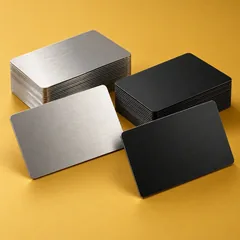 Metal business cards
 Specialty business cards
 Flyers & menus
 Bottle opener business cards
NFC business card not working?
Most of the time, an NFC card that “doesn’t work” is fine. The phone is locked, NFC is off, or the card is touching the wrong spot. Work through these fixes in order.
The short answer
Most NFC card problems come down to three things: the phone screen is off or locked, NFC is turned off on an Android phone, or the card isn’t touching the phone’s reader. Unlock the phone, check NFC is on, take off a thick case and hold the card flat near the top of an iPhone or the middle of an Android phone for a second.
8 fixes, in the order to try them
1. Wake and unlock the phone
Phones only read NFC when the screen is on, and some only when they are unlocked. Unlock first, then tap.
2. Tap the right spot
The reader is small. On an iPhone it is at the top edge of the back, near the camera. On most Android phones it is in the middle of the back. Move the card slowly around that area.
3. Hold it still for a second
A quick swipe often misses. Lay the card flat against the phone and hold it still until the banner appears.
4. Take off a thick case
Thick, rugged or metal cases, magnetic mounts and wallet cases full of cards can block the signal. Try without the case.
5. Turn NFC on
iPhones have NFC on all the time. Many Android phones let you turn it off. Search “NFC” in Settings and make sure it is on.
6. Use the reader on older iPhones
An iPhone 7, 8 or X can read NFC, but not on its own. Add the NFC Tag Reader to Control Center, open it, then tap the card.
7. Close other apps using NFC
If a wallet or payment screen is open, the phone may be busy. Go back to the home screen and try again.
8. Restart the phone
It sounds basic, but a restart clears a stuck NFC service more often than you would think.
iPhone specifics
- iPhone XS, XS Max, XR and every newer model read NFC cards automatically when the screen is on.
- iPhone 7, 8 and X need the NFC Tag Reader in Control Center.
- iPhone 6 and older can’t read NFC cards. Their chip is only for Apple Pay.
- A banner appears at the top of the screen. Tap it to open the link.
Android specifics
- Most Android phones from the last several years have NFC, but some budget models don’t.
- On Samsung phones, look under Settings, Connections, NFC and contactless payments.
- On Google Pixel phones, look under Settings, Connected devices, Connection preferences, NFC.
- Many Android phones open the link right away, without a banner.
When it really is the card
If two or three different phones can’t read the card, look at the card itself. A crack, a deep bend or heavy damage can break the antenna. If the phone reads the card but the page won’t load, the problem is the link, not the chip: the page may have moved or the profile may have been deleted.
Your name, number and email should always be printed on the card, so the person can still save your details while you sort it out. Every one of our metal NFC business cards is tested on a phone before it ships.
Shop the cards.
Every order starts with a free design and a proof you approve.
Questions,
answered.
Still wondering? Ask us anything.
Why does my card work on one phone but not another?
Readers sit in different places and some phones have NFC turned off. Try the tap spot for that phone and check the setting.
Can a phone case stop NFC?
Yes. Thick, metal or magnetic cases can block it. Thin cases usually work fine.
Do I need internet for the card to work?
The chip works without internet, but the link it opens needs a connection to load.
Can I reprogram the card myself?
Some cards are locked so nobody can change them. If you need a new link, ask the maker, or use a card whose link you can update.
Keep reading.
More guides to NFC and business cards.
 Which phones can read NFC business cards?Which iPhones and Android phones read NFC business cards, how to check your phone, and where to tap. A simple guide for every phone.Read the guide →
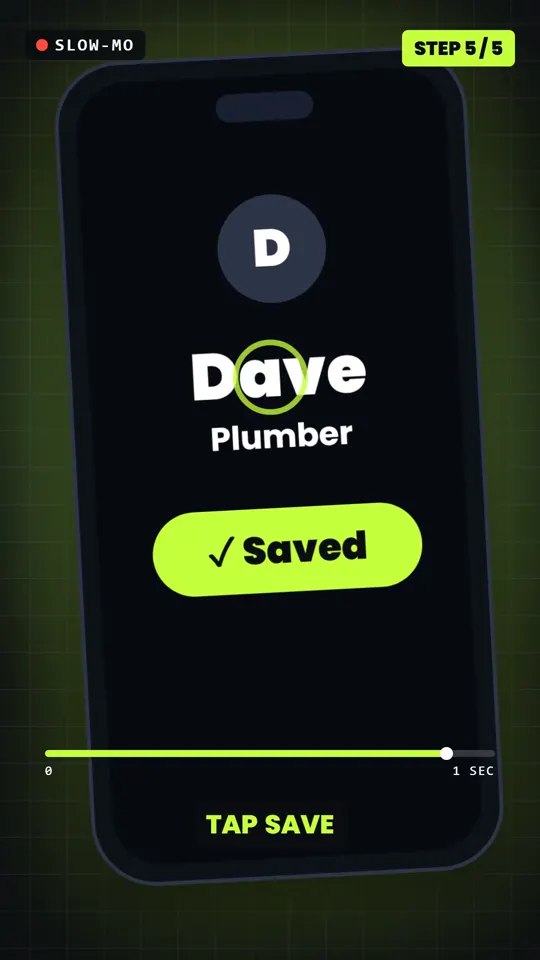 NFC vs QR code business cards.NFC or QR code on your business card? How each one works, how fast they are, which phones support them and when to use both.Read the guide →
 Metal vs paper business cards.Metal or paper business cards? How they compare on feel, cost, durability and impression, and who each one suits best.Read the guide →
Maximize Every Tap
Metal NFC cards, tested on a phone before they ship, with a free design and a proof first.