 Custom T-shirts
 Hats
 Pens
 Hoodies & jackets
 Pants
 Custom jeans
 Custom banners
 Yard signs
 Mouse pads
 Beanies
 Crewnecks & sweatshirts
 Work uniforms
 Stickers & labels
 Tote bags
 Drinkware
 Custom packaging
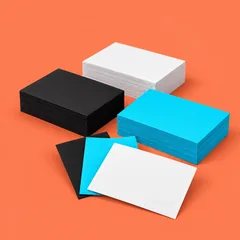 Regular business cards
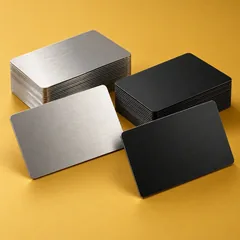 Metal business cards
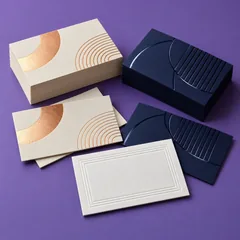 Specialty business cards
 Flyers & menus
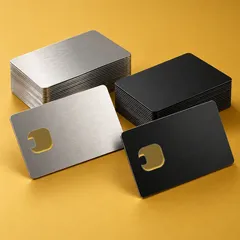 Bottle opener business cards
Which phones can read NFC business cards?
Almost every phone sold in the last several years can read an NFC business card. The details depend on the model, so here is a plain guide for iPhone and Android, plus where to tap on each.
- The short answer
- iPhone
- Android
- How to check your phone
- Where to tap
- If a phone can’t read it
- Sharing tips
- Questions
The short answer
Every iPhone from the XS and XR onward reads NFC business cards on its own. iPhone 7, 8 and X can read them through the NFC reader in Control Center. Most Android phones read them too, as long as NFC is turned on in Settings. No app is needed on any of them.
iPhone
iPhone XS, XS Max, XR and newer
These read NFC cards in the background. With the screen on, hold the card near the top of the back and a banner appears. Tap it to open the link. That covers every iPhone sold since 2018.
iPhone 7, 8 and X
These have the hardware but need a nudge. Open Settings, then Control Center, and add the NFC Tag Reader. Open it from Control Center and tap the card.
iPhone 6 and older
These can’t read NFC cards. Their NFC chip only works with Apple Pay.
Android
Most Android phones from the last several years have NFC, from flagship models down to many mid range phones. A few budget models leave it out, so it is worth checking.
Android phones usually open the link straight away rather than showing a banner. Some phones ask which app to open it with the first time.
How to check if your phone has NFC
- Open Settings.
- Search for “NFC.”
- If a setting shows up, your phone has NFC. Make sure it is switched on.
- If nothing shows up, your phone most likely doesn’t have it.
On an iPhone you don’t need to switch anything on. If it is an XS or newer, it is ready.
Where to tap on each phone
- iPhone: the top edge of the back, near the camera.
- Samsung Galaxy: usually the middle of the back.
- Google Pixel: usually the upper middle of the back.
- Most other Android phones: the middle of the back.
Hold the card flat and still for a second. If nothing happens, slide it slowly across that area.
If someone’s phone can’t read it
That is why every good NFC card still has your name, number and email printed on it. The person can save your details the old way. Our metal NFC business cards are laser engraved with your details for exactly this reason. If a tap fails on a phone that should work, see NFC business card not working.
How to share your NFC card smoothly
Knowing which phones work is half of it. The other half is how you hand the card over. A smooth tap makes a great first impression. A fumbled one makes the card feel like a gimmick.
Ask first, then tap
Say something simple like “Can I send you my details? Just unlock your phone.” Unlocking first avoids the most common reason a tap fails.
Hold the card for them
You know where the reader is, they don’t. Hold your card near the top of their iPhone or the middle of the back of their Android phone, and keep it still until the banner appears.
Have a backup ready
If their phone doesn’t react after a couple of tries, don’t keep trying. Let them keep the card. Your details are printed on it, and they can save them later.
Follow up the same day
A tap gets your details into their phone, but a short message the same day turns a new contact into a conversation. Mention where you met so they remember you.
Shop the cards.
Every order starts with a free design and a proof you approve.
Questions,
answered.
Still wondering? Ask us anything.
Do I need an app to read NFC cards?
No. Supported iPhones and Android phones read them with what is built in.
Does NFC work when the phone is locked?
The screen needs to be on. Some phones also need to be unlocked, so unlocking is the safest bet.
Do tablets read NFC cards?
Most iPads don’t. Some Android tablets do. Phones are the reliable choice.
Does reading an NFC card use data?
The tap itself doesn’t. Opening the web page it links to uses a small amount, like any page.
Keep reading.
More guides to NFC and business cards.
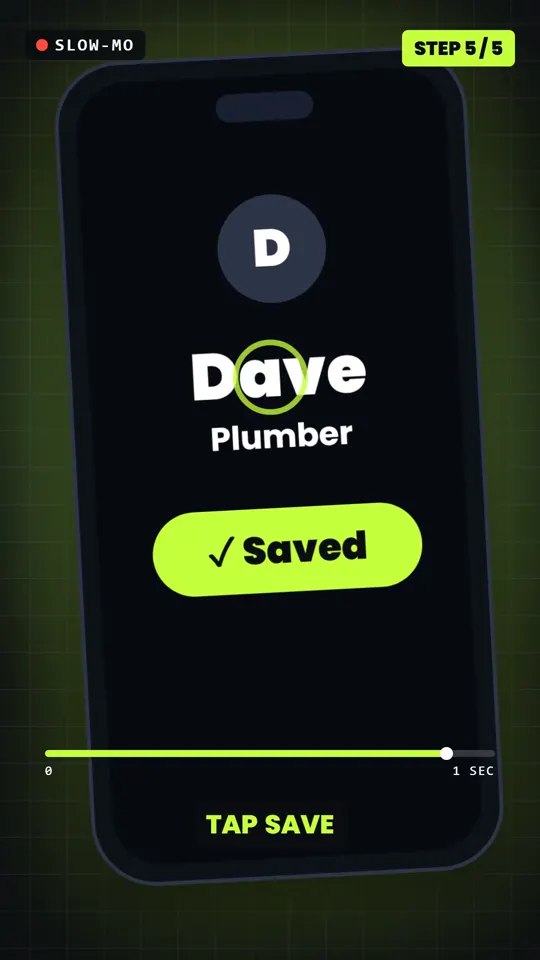 NFC vs QR code business cards.NFC or QR code on your business card? How each one works, how fast they are, which phones support them and when to use both.Read the guide →
 Metal vs paper business cards.Metal or paper business cards? How they compare on feel, cost, durability and impression, and who each one suits best.Read the guide →
- How much do NFC business cards cost?What NFC business cards cost, from plastic to custom metal, and why the price per card drops so much when you order for a team. What sets the price and what to watch for.Read the guide →
Maximize Your Network
Metal NFC cards that work on iPhone and Android, with your details engraved too.