 Custom T-shirts
 Hats
 Pens
 Hoodies & jackets
 Pants
 Custom jeans
 Custom banners
 Yard signs
 Mouse pads
 Beanies
 Crewnecks & sweatshirts
 Work uniforms
 Stickers & labels
 Tote bags
 Drinkware
 Custom packaging
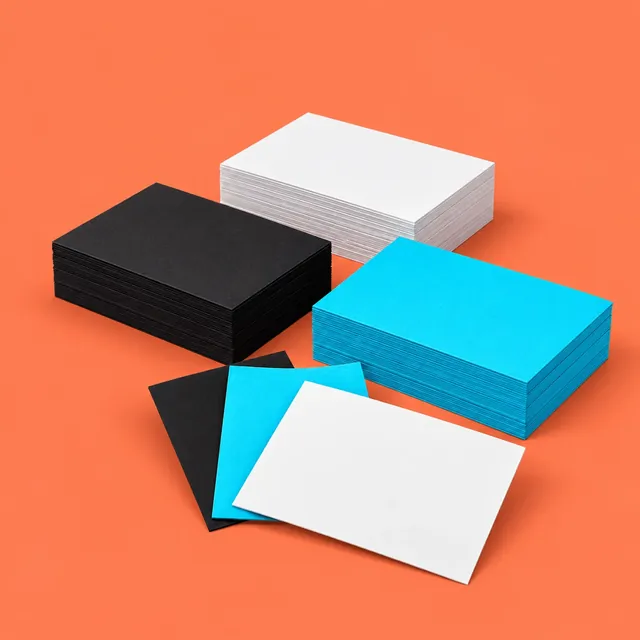
 Regular business cards
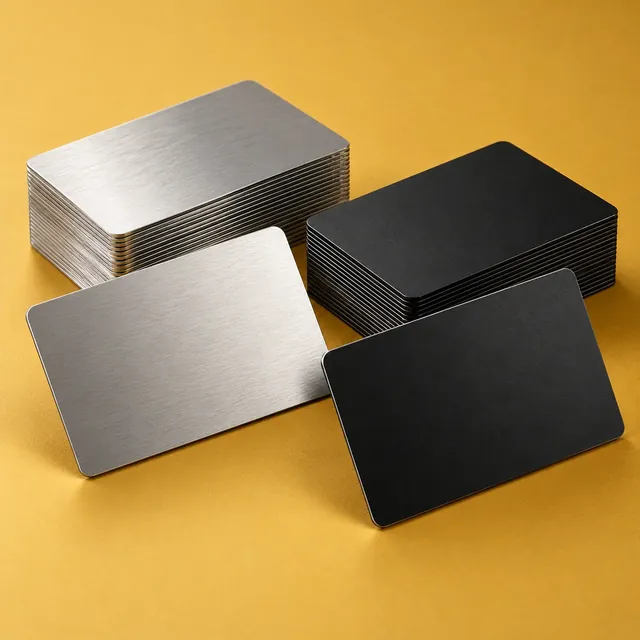
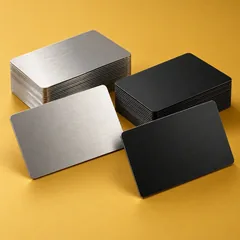 Metal business cards
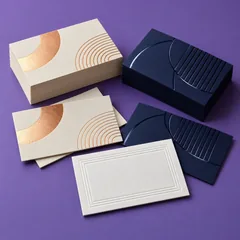 Specialty business cards
 Flyers & menus
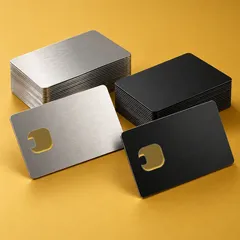 Bottle opener business cards
What to put on a business card.
A business card has one job: help someone remember you and reach you later. That means the right details, in the right order, with room to breathe. Here is exactly what to include and what to cut.
The short answer
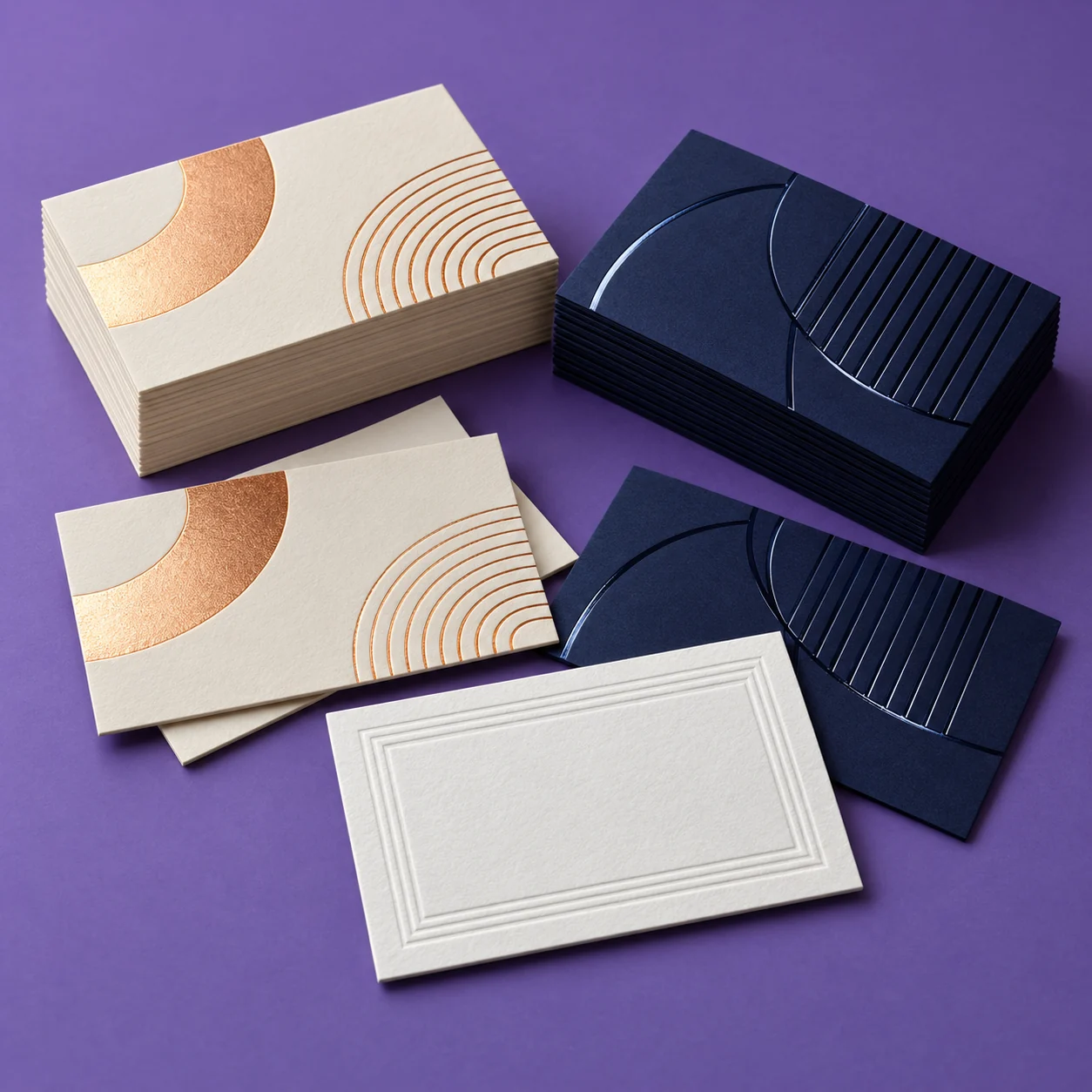
Every business card needs your name, your title, your business name and logo, a phone number, an email and your website. Add a social handle, address or a short line about what you do only if it helps. Leave everything else off so the card stays easy to read.
The 10 things to put on a business card
1. Your name
The biggest text on the card after your logo. Use the name people actually call you.
2. Your title
A short, clear title tells people what you can help with. “Listing Agent” says more than “Associate.”
3. Your business name and logo
Your logo is what people recognize later. Give it space and keep it sharp.
4. A phone number
Use the number you actually answer. If you text with clients, say so.
5. An email address
A business email on your own domain looks more established than a free email address.
6. Your website
Leave off the web prefix and the “www.” Just the domain is cleaner.
7. One social handle
Only the platform where you are active and where clients find you. One handle beats a row of icons.
8. An address, if people visit you
Shops, offices and studios should include it. If you work on the road or online, skip it.
9. A short line about what you do
A few words like “Kitchen and bath remodeling” help people remember why they kept your card.
10. A fast way to save you
A QR code or an NFC chip lets people save your details without typing. metal NFC business cards do it with a tap, and keep the front of the card clean.
What to leave off
- Fax numbers and old phone lines nobody answers.
- Every social network you have ever joined.
- Long lists of services.
- Tiny print that needs squinting.
- Slogans that don’t say what you do.
Layout tips that make a card easy to read
- One focal point. Your logo or your name, not both fighting for attention.
- Group details. Phone, email and website together, so the eye finds them in one place.
- Readable text. Keep contact details at a comfortable size and in a simple font.
- Strong contrast. Dark text on a light card or light text on a dark card.
- White space. Empty space makes the card feel more premium, not less.
Using the back of the card
The back is perfect for your logo on its own, a bold color, or a short message. It is also where many people put a QR code. On metal business cards, engraving both sides gives a finished, premium look.
What to add for your industry
Real estate
Your photo, your license number if your state requires it, your brokerage and a direct mobile number. Buyers and sellers choose a person, so make it personal.
Contractors and home services
Your license number where required, the services you offer in a few words and the area you cover. A clear phone number in large type matters most.
Salons, barbers and studios
Your booking link or handle, your address and your hours. A card that opens your booking page with a tap makes the next visit easy.
Restaurants and cafés
Your address, hours, website and a reason to come back, like a menu link or your social handle.
Consultants and agencies
Your name, title and one line about the problem you solve. A premium card such as metal business cards signals the level you work at.
Shop the cards.
Every order starts with a free design and a proof you approve.
Questions,
answered.
Still wondering? Ask us anything.
Should I put my photo on my business card?
It helps in personal businesses like real estate, where people choose you. For most others, a strong logo is enough.
Do I need an address on my card?
Only if customers visit you. Otherwise it takes space you can use better.
How big should the text be?
Keep your contact details large enough to read at arm’s length without squinting.
Should I use both sides?
Yes, if you have something useful for the back. A clean back with your logo is better than clutter.
Keep reading.
More guides to NFC and business cards.
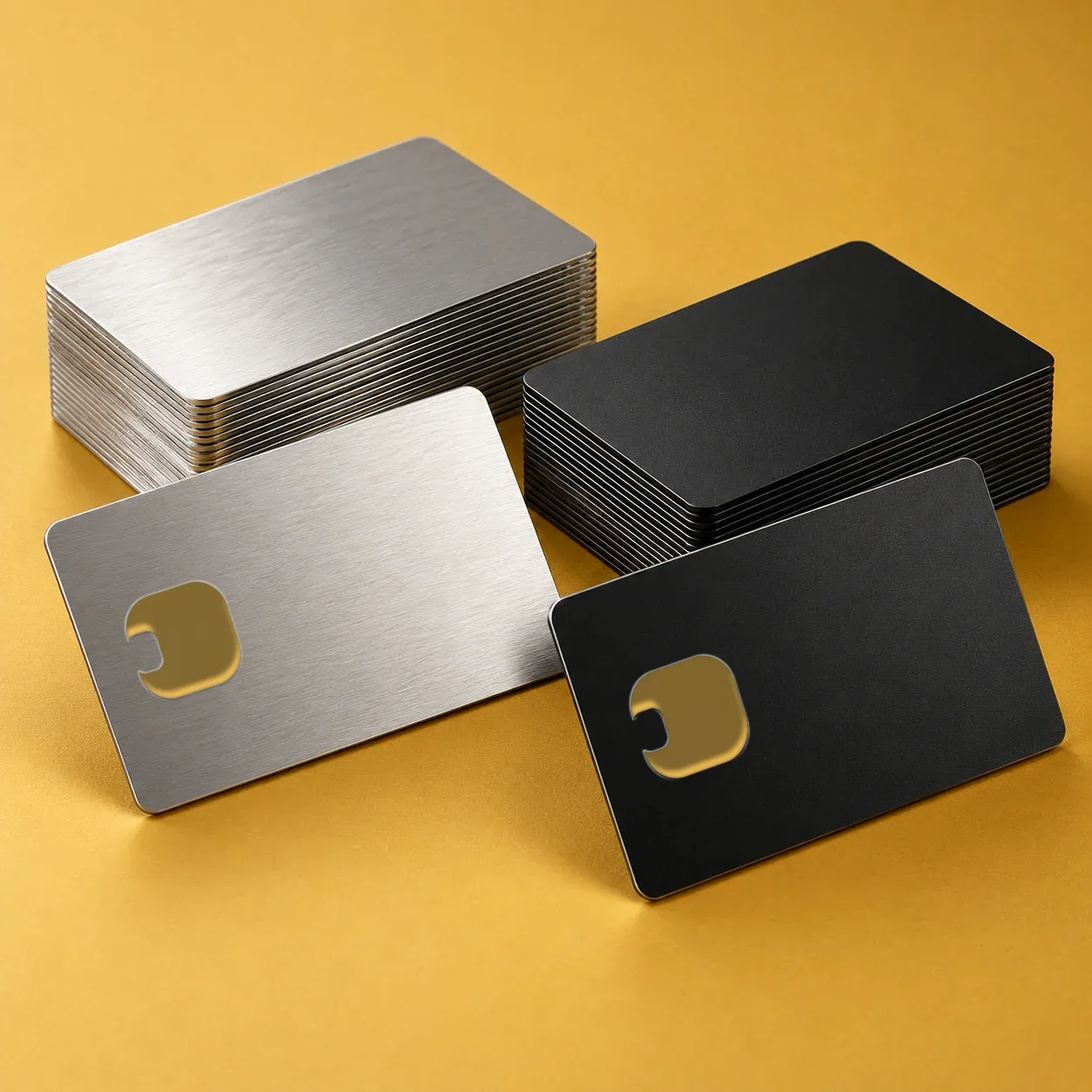 Bottle opener business cards.Bottle opener business cards are metal cards with an opener cut in. Who they suit, how to design one, and why people keep them for years.Read the guide →
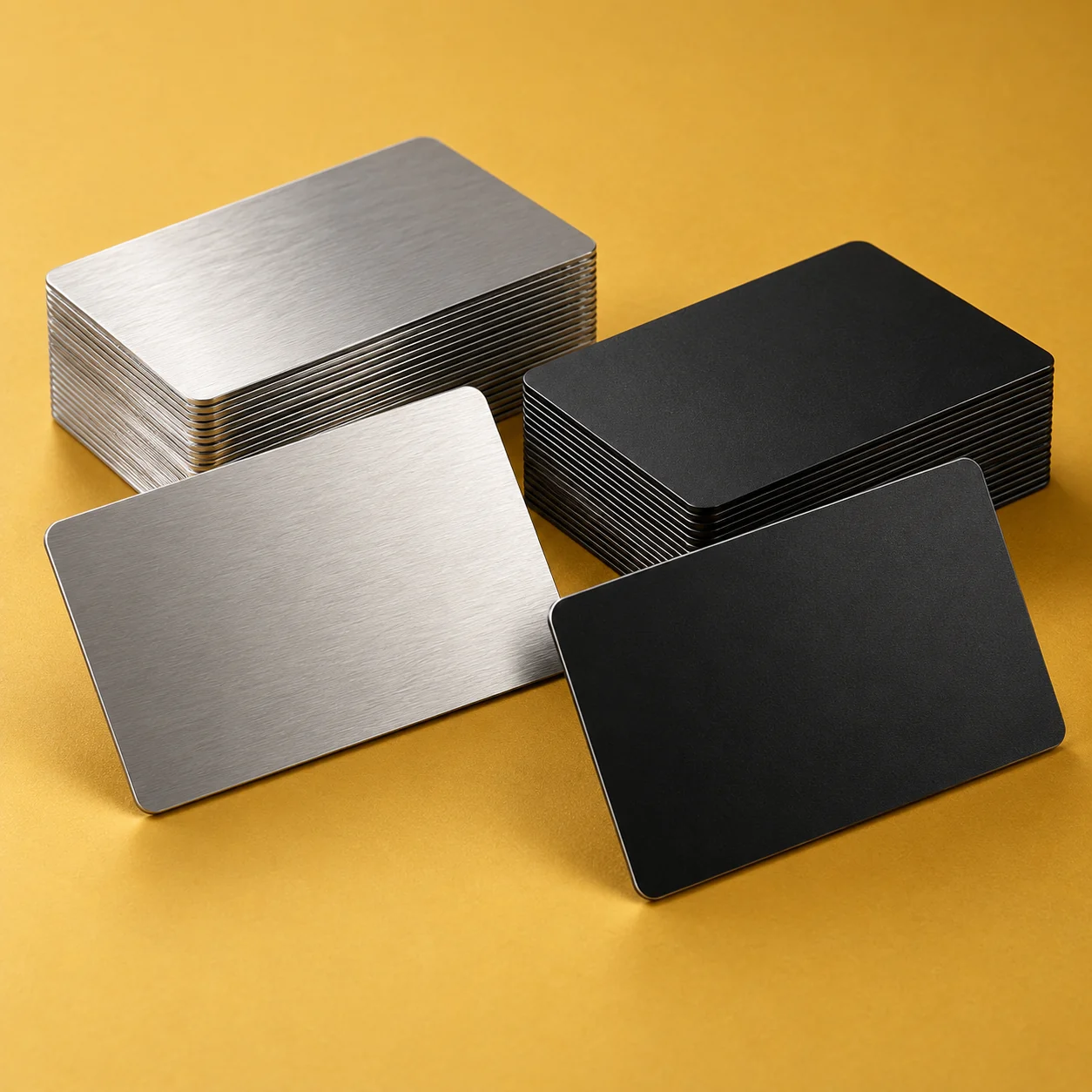 What is an NFC business card?An NFC business card shares your contact details, website or review page when someone taps it with their phone. Here is how it works, what it can open and who it suits.Read the guide →
 NFC Google review cards.An NFC Google review card opens your review page with one tap. How to set one up, where to use it, and how to ask for reviews the way Google allows.Read the guide →
Maximize Your First Impression
Send us your details and logo. We design your card free and send a proof before anything is made.