 Custom T-shirts
 Hats
 Pens
 Hoodies & jackets
 Pants
 Custom jeans
 Custom banners
 Yard signs
 Mouse pads
 Beanies
 Crewnecks & sweatshirts
 Work uniforms
 Stickers & labels
 Tote bags
 Drinkware
 Custom packaging
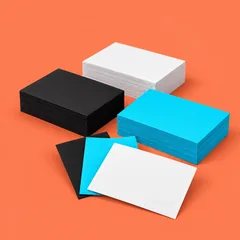 Regular business cards
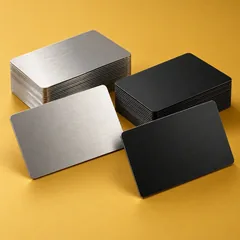 Metal business cards
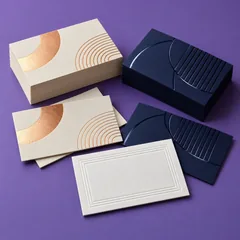 Specialty business cards
 Flyers & menus
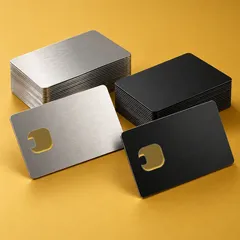 Bottle opener business cards
What is an NFC business card?
An NFC business card looks like a normal card, but it has a small chip inside. Tap it on a phone and your contact details, website or booking page open right there, with no app. This guide explains how it works and whether it makes sense for you.
- The short answer
- How it works
- What a tap can open
- Compared with a paper card
- Who it suits
- What to look for
- Questions
The short answer
An NFC business card is a business card with a tiny chip that holds a link. When someone taps it on their phone, the link opens: your contact card, website, Google review page or anything else you choose. The phone powers the chip during the tap, so the card has no battery, and the other person doesn’t need an app.
How an NFC business card works
NFC stands for near field communication. It is the same short range wireless technology phones use for tap to pay. A small chip and a thin loop of wire, called an antenna, sit inside the card. Neither one needs a battery.
When the screen is on, an NFC phone sends out a weak magnetic field that reaches a few centimeters from its back. Hold the card inside that field and the antenna turns it into a tiny bit of power. That wakes the chip, which sends back the one thing it stores, usually a web link. The phone then shows a banner or opens the link straight away.
Why it needs to be so close
The short range is on purpose. The card only works when it is almost touching the phone, so nobody can read it from across a room. It also means the person has to choose to tap it, which makes the moment feel personal.
What the chip actually stores
Most cards store a single link. That link can point to a contact card, a profile page with all your details, or any web page. Because the link is what gets shared, many cards let you change where it points later, without printing new cards.
What a tap can open
- Your contact card, ready to save with one more tap, so nobody types your number in wrong.
- Your website or a landing page for a special offer.
- Your Google review page, so customers can leave a review on the spot.
- Your booking page, for salons, trainers, consultants and anyone who works by appointment.
- Your portfolio, menu or listings, to show your work in the moment.
- Your social profile, to turn a handshake into a follower.
Pick the one that matters most to you. A card that tries to do everything usually opens a page with too many buttons. One clear action works better.
NFC card or paper card?
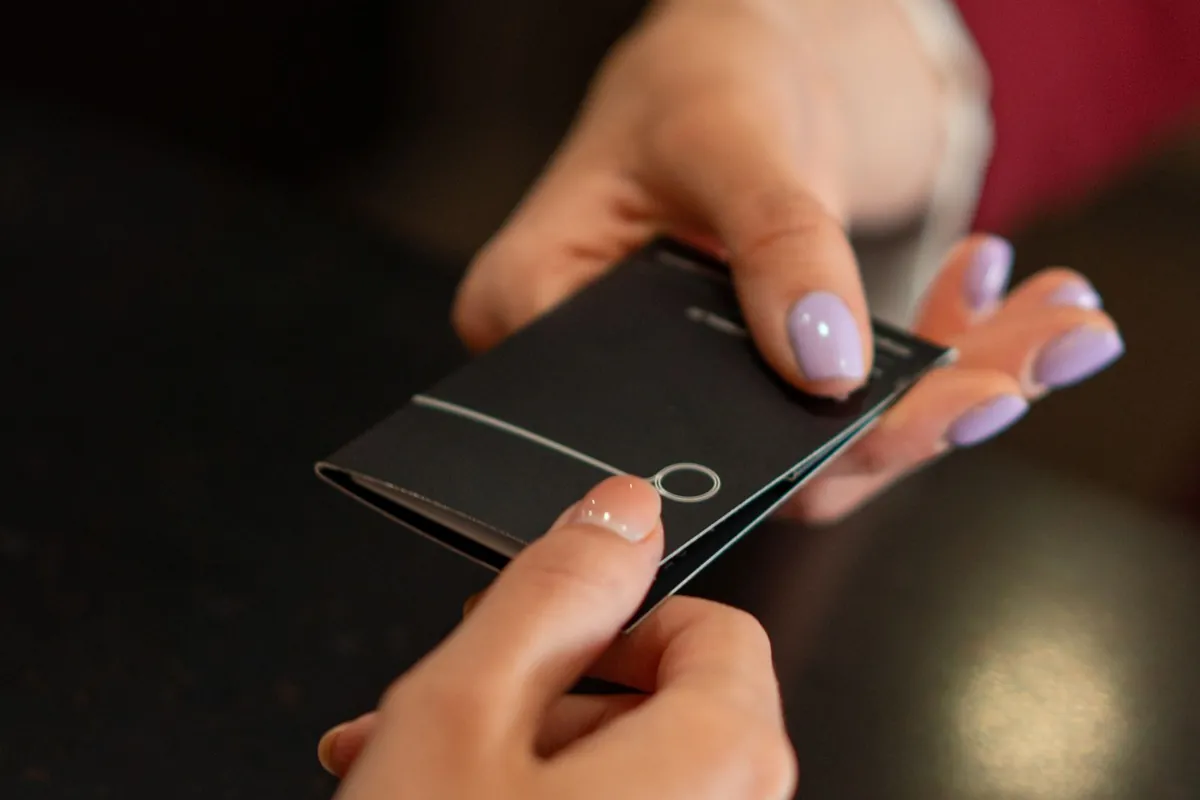
A paper card relies on the other person to type your details into their phone later. Many never do. An NFC card moves your details into their phone while you are still talking, which is the whole point of handing out a card.
NFC cards also keep your printed details, so they still work as a regular card when someone’s phone can’t read the chip. You get both in one.
When paper still makes sense
Paper is great when you need hundreds of cards for a trade show table or a mailer. Many people carry a stack of paper business cards for volume and a few NFC cards for the conversations that matter most.
Who NFC business cards suit best
- Real estate agents, brokers and loan officers who meet new people every day.
- Salons, barbers, trainers and studios that want more bookings and reviews.
- Contractors and home service pros who leave a card after the job.
- Sales teams, law firms and consultants who want every rep to look the same.
- Anyone who networks at events and wants to be remembered.
What to look for when you buy one
Material
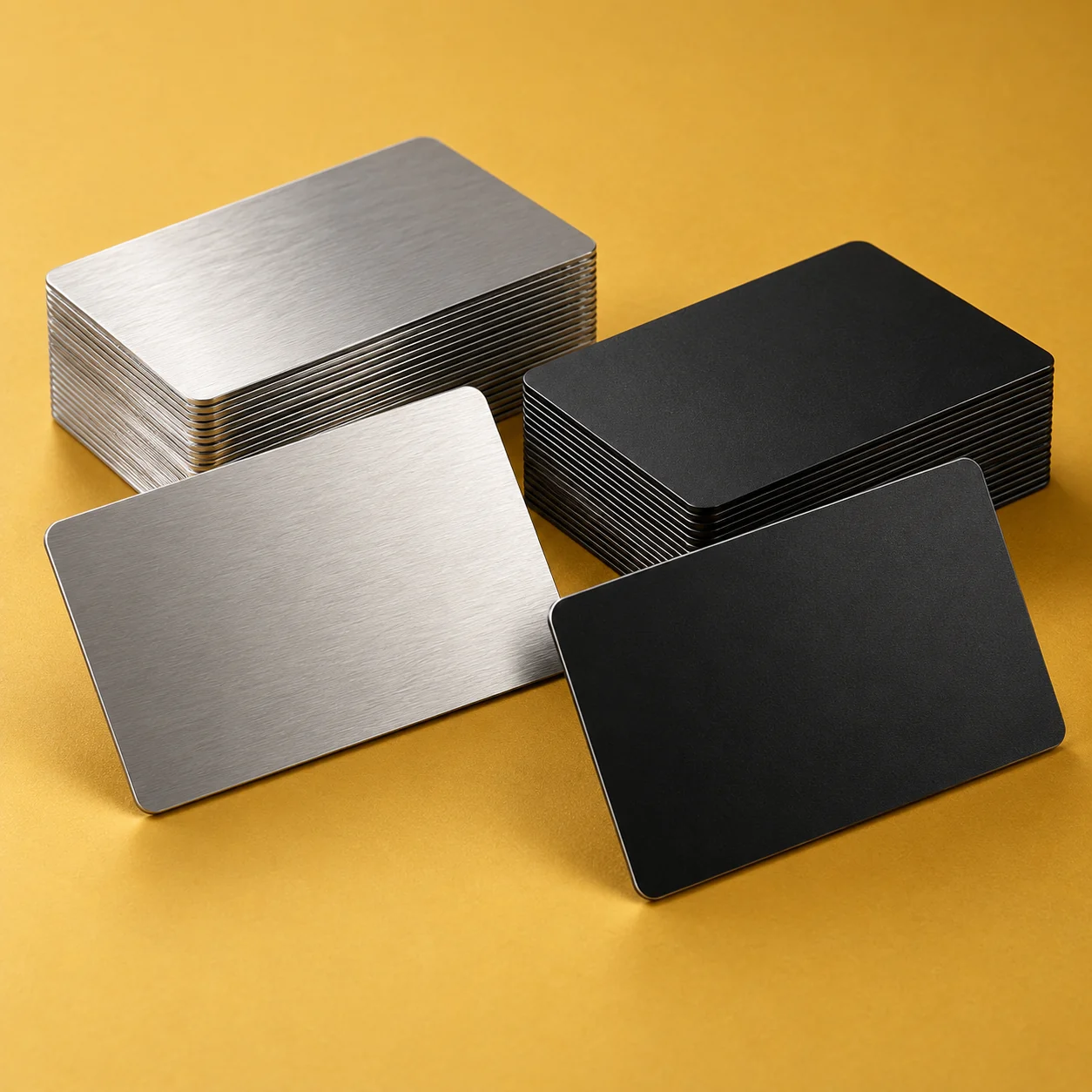
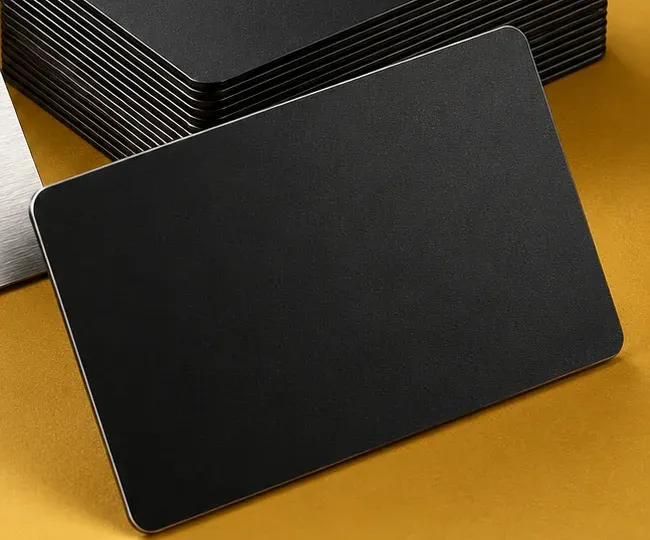
NFC cards come in plastic, wood and metal. Plastic is the lightest, wood feels natural, and metal feels the most premium in the hand. See our metal NFC business cards if you want the card people keep.
Printed details
Make sure your name, number and email are printed or engraved on the card too. The chip is a shortcut, not a replacement.
A link you can change
Ask whether you can change where the card sends people after it is made. If your website or booking link changes, you don’t want to reprint.
A proof before production
A good maker sends a digital mockup of the card and confirms the link before anything is made.
Shop the cards.
Every order starts with a free design and a proof you approve.
Questions,
answered.
Still wondering? Ask us anything.
Does the other person need an app?
No. iPhone XS and newer and most Android phones read NFC cards with what is already built in.
Does an NFC business card need a battery?
No. The phone powers the chip for the moment of the tap, so there is nothing to charge.
Can someone steal my data from the card?
The chip only holds what you put on it, usually a link to details you already share. It has no access to your phone or accounts.
Can I use one card for my whole team?
Each person usually gets their own card with their own name and link, so contacts go to the right person.
Keep reading.
More guides to NFC and business cards.
 NFC Google review cards.An NFC Google review card opens your review page with one tap. How to set one up, where to use it, and how to ask for reviews the way Google allows.Read the guide →
 NFC business card not working?If an NFC business card won't open on a phone, it is usually the screen, the tap spot or the case. Eight quick fixes for iPhone and Android.Read the guide →
 Which phones can read NFC business cards?Which iPhones and Android phones read NFC business cards, how to check your phone, and where to tap. A simple guide for every phone.Read the guide →
Maximize Your First Impression
Get a metal NFC business card with your logo, a free design and a proof before anything is made.